Meme remake · 01
Hotel Lobby AI Video Generator
Remake the orange-booth performance with two photos. Photo 1 takes the left role and photo 2 the right. Your video is silent; add sound when posting.
Generated sample
Play the silent sample to preview the generated performance.
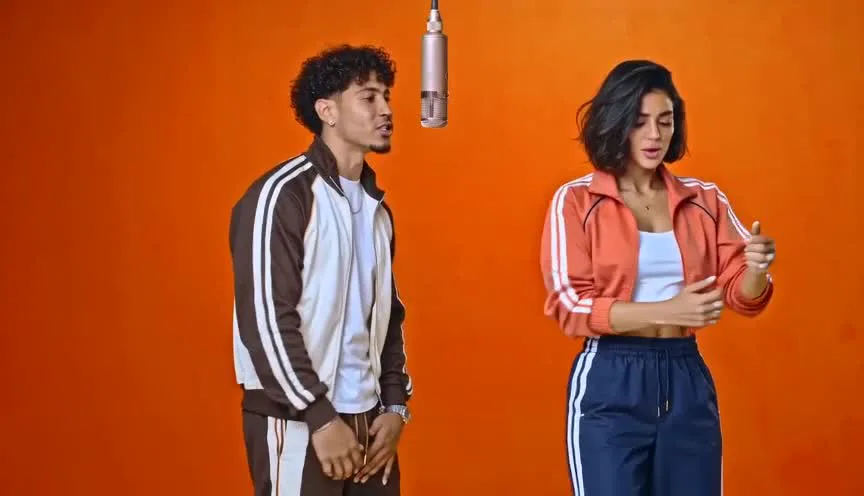
AI sample · 480p · 15s · 16:9 · Silent
480p · 15 seconds · Silent video. Add sound when posting.
0 / 2 photos
What is the Hotel Lobby AI video trend?
The Hotel Lobby remake uses two photos to recast the performers in the selected orange-studio reference. P1 starts on the left and P2 on the right, following their assigned gestures and visible mouth movements. Output is 15 seconds, 480p and silent.
Selected sample case
This example was approved for public display. The video appears above.
- Input roles
- Two photos, assigned to the two performance roles.
- Generated
- 2026-10-31
- Selected for display
- 2026-11-01
- Sample output
- 480p · 16:9 · about 15 seconds · silent
- Current template cost
- 20 credits at the listed resolution
- Tested version
- Seedance 2.0 · color reference
- Editing
- A corner logo was removed locally before the public copy.
- Observed limits
- This example used an older model and color reference. The current Mini and wide-reference setup may produce different results.
This is one selected example, not a success rate. Total attempts are unknown.
How to make a Hotel Lobby AI video
Upload your photos, choose the output settings, and download the result when generation finishes.
01
Bring the faces
Add 2 clear, front-facing photo(s), one for each person in the scene. Use your own photos or get permission from everyone pictured.
02
Set format and quality
Choose your framing and confirm consent. Generate a 15-second silent video at 480p for 20 credits.
03
Keep the clip
Download the finished video and share it: widescreen in a group chat or on YouTube or X, vertical on TikTok or Reels. Label it as AI-generated and follow the platform's rules.
Hotel Lobby questions
The details before you bring your photos.
How do I make a Hotel Lobby video from photos?
Upload exactly two clear photos, one person in each. Put the left performer in P1 and the right performer in P2, confirm permission and generate the silent remake. One photo cannot fill both slots.
Does the video include sound?
No. This remake produces a silent video. Any reference audio only guides the visible performance. Add a permitted sound in TikTok, Reels or your editor after downloading; precise lip-sync to your chosen track is not guaranteed.
How long does generation take?
Rendering time varies with provider demand. You can leave the page and return; your result page keeps updating while the video is processing.
Where can I post it?
You can download your finished video and post it anywhere that takes video. The default widescreen format plays full width in group chats and on YouTube, X or Instagram. For TikTok or Reels, pick the vertical 9:16 format before you generate and it fills the screen. Only use photos you have permission to use, disclose that the clip is AI-generated, and follow each platform's rules.
What if generation fails?
Failed generations automatically return the credits charged for that video. A job marked for review is checked before its charge is settled.
Choose your next video
Explore another meme remake, or create an original rap with Make your own.
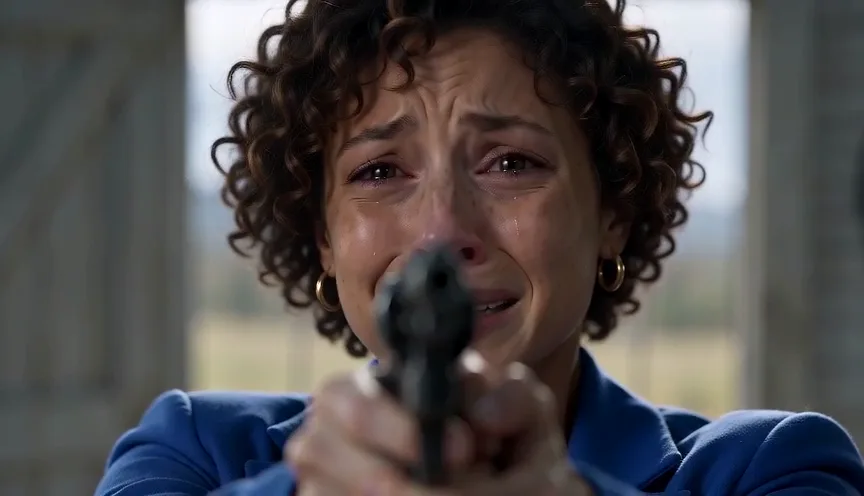 02from 20 cr
AI Zombie Trend
A familiar face in the apocalypse. A hug. A warm memory of you both.
- Duo
- 2 photos
- 16:9 · 9:16
- ~15s
AI sample · 480p · 15s · 16:9 · Silent
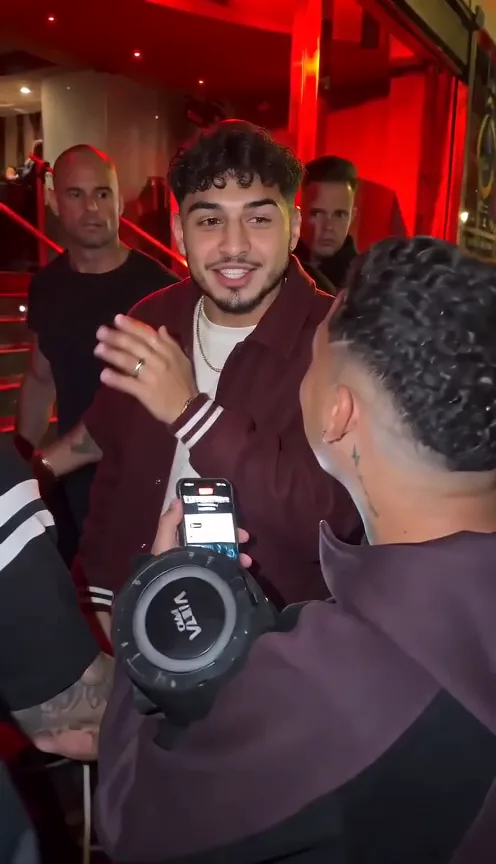 03from 20 cr
Bulin 47
You alone, straight to camera, delivering the hook.
- Solo
- 1 photo
- 16:9 · 9:16
- ~15s
AI sample · 480p · 15s · 9:16 · Silent
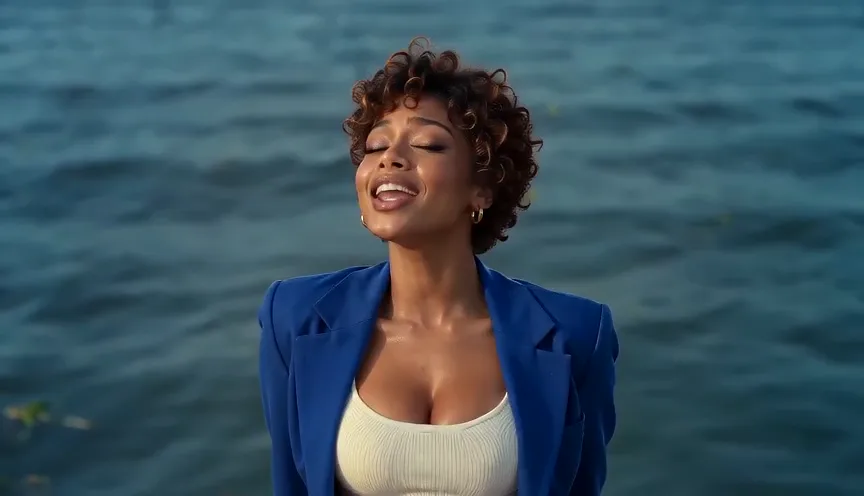 04from 20 cr
Raindance
A waterfront performance with one lead and one companion.
- Duo
- 2 photos
- 16:9 · 9:16
- ~15s
AI sample · 480p · 15s · 16:9 · Silent
 05from 20 cr
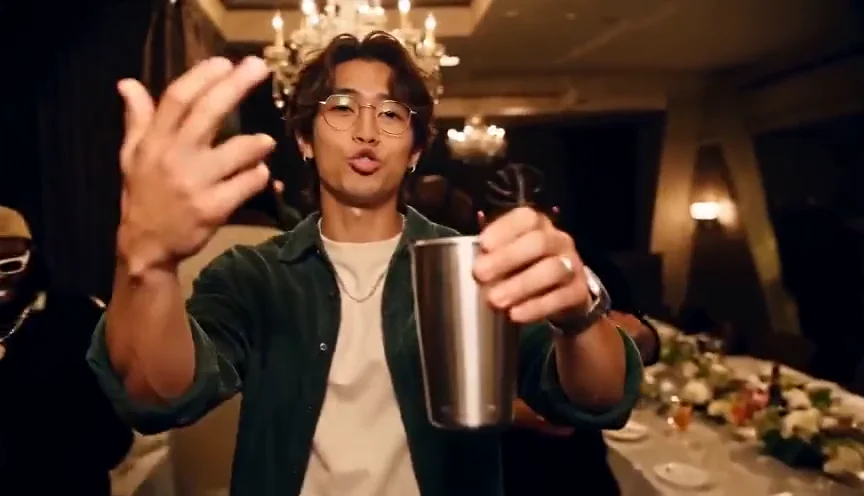
Burning Bridges
A chandelier party with a silver cup raised in the air.
- Solo
- 1 photo
- 16:9 · 9:16
- ~15s
AI sample · 480p · 15s · 16:9 · Silent
 06from 20 cr
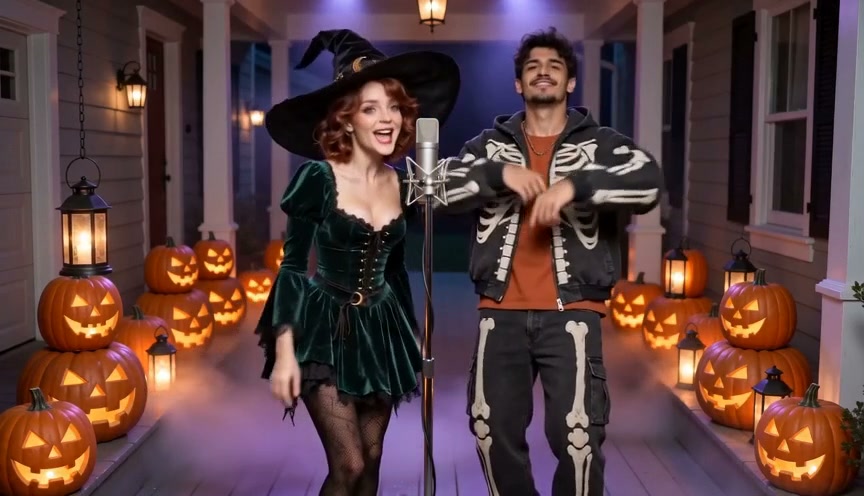
Halloween Rap
You, or you and a friend, on a jack-o'-lantern porch in the fog.
- Solo or duo
- 1-2 photos
- 16:9 · 9:16
- ~15s
 07from 20 cr
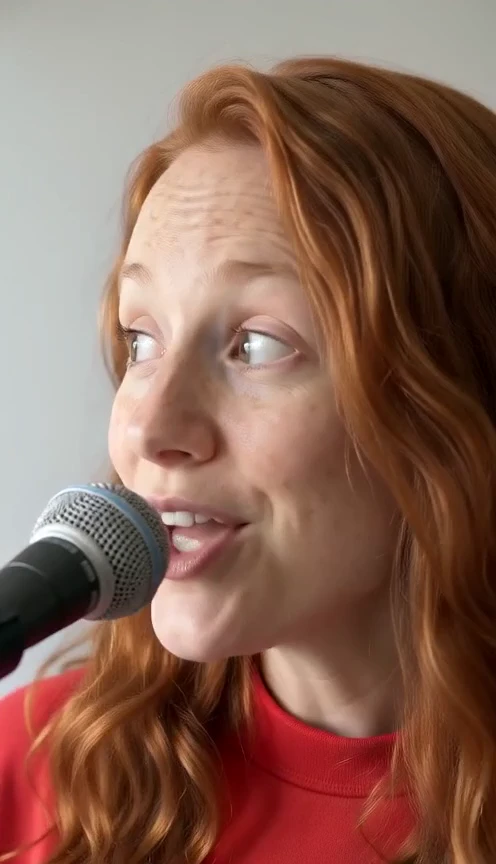
Tiny Desk AI
Upload a lead photo and optionally replace any band member; unfilled roles use the default cast in a 15-second concert with generated sound.
- Five-role band
- 1–5 photos
- 9:16
- ~15s
AI sample · 480p · 15s · 9:16 · With sound
 08from 20 cr
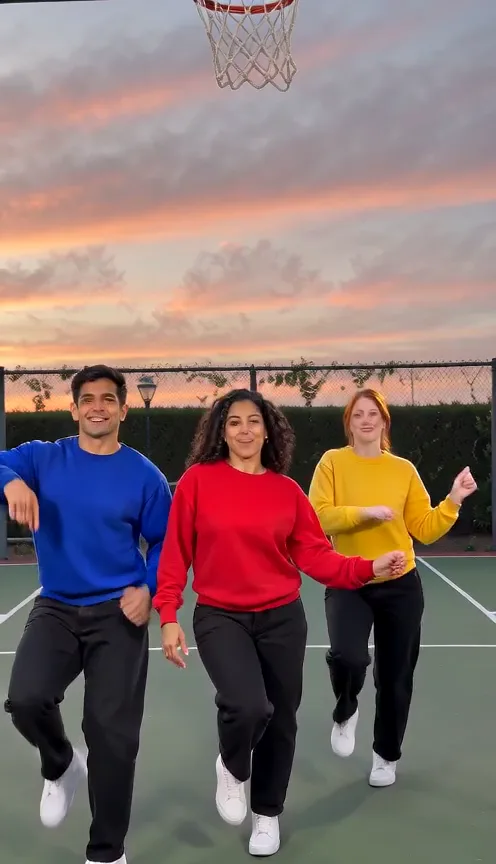
Chipmunks Dance
Upload one to three photos for the courtside trio dance; empty roles use default dancers in a 15-second vertical video with sound.
- Trio
- 1-3 photos
- 9:16
- ~15s
AI sample · 480p · 15s · 9:16 · With sound
Make your own
Your topic, your verse
No trend needed. Bring a face and tell the AI what to rap about.
- a photo or tworequired
- 2A topicoptional
- 3A line about itoptional