Performance remake · 07
Tiny Desk AI Video Generator
Upload a lead-singer photo, then add any of the four supporting roles you want to replace. Empty roles use the default cast. Generate a 15-second vertical desk-concert video with sound.
Generated sample
Play the sample to preview the generated performance. Turn on sound to hear it.
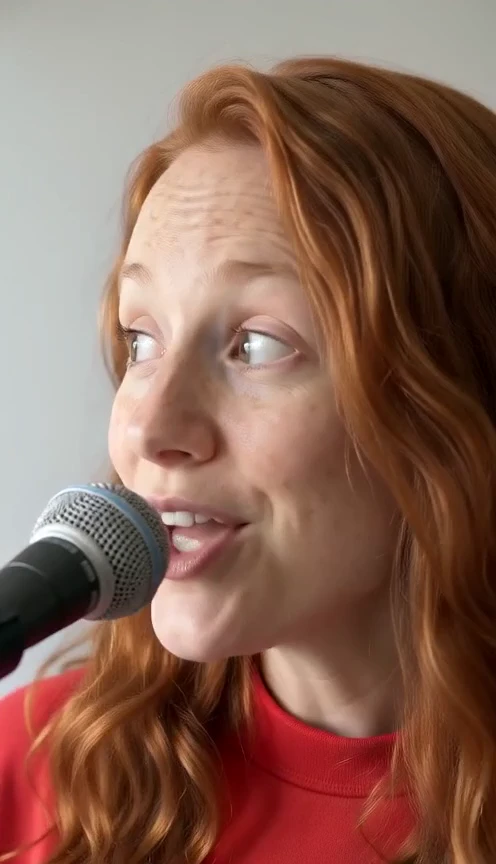
AI sample · 480p · 15s · 9:16 · With sound
0 / 5 photos
What is the Tiny Desk AI video trend?
This Tiny Desk AI remake turns your photos into a desk-concert performance. The lead singer needs a photo; keyboardist, left and right backing singers and saxophonist are optional. Each empty supporting role uses its default portrait. The adapted reference guides the performance and generated audio. Shot timing, faces, gestures and instruments can vary, and the original recording is not guaranteed.
Selected sample case
This example was approved for public display. The video appears above.
- Input roles
- Five photos: keyboard, left and right backing singers, lead singer and sax player.
- Generated
- 2026-11-03
- Selected for display
- 2026-11-03
- Sample output
- 480p · 9:16 · about 15 seconds · generated sound
- Current template cost
- 20 credits at the listed resolution
- Tested version
- Seedance 2.0 Mini · v4
- Editing
- Web compression; no cropping, retiming, splicing or face editing.
- Observed limits
- An extra saxophone shot shortens the lead singer’s part, so the four-shot sequence is not an exact match. We have not verified the sound by listening and cannot guarantee the original recording.
This is one selected example, not a success rate. Total attempts are unknown.
The performance, in four moments.
The adapted reference moves from the band to the lead singer, the saxophonist and back to the band. These are reference timings; generated shots and gestures may differ.
01
0–4.29 s · The band
Keyboardist in front, with two backing singers behind. Each uses its uploaded role photo or its default portrait.
02
4.29–9.50 s · The lead
Your required lead-singer photo guides the solo performance, including singing, laughter and head movements.
03
9.50–12.33 s · The sax
Your optional saxophonist photo, or the default player, takes the solo. Playing posture and instrument interaction use the reference as a guide.
04
12.33–15.00 s · The band returns
The reference returns to the opening keyboardist and backing singers, keeping the same uploaded or default identities.
The original 18.25-second line-art source is retained. The generation reference keeps every shot while fitting 15 seconds. The published sample adds a saxophone angle and shortens the lead segment; gestures, faces and instruments can vary in each result.
Tiny Desk AI questions
The details before you bring your photos.
Can I generate a Tiny Desk AI video now?
Yes. Upload a lead-singer photo and optionally replace any of the four supporting performers. Empty supporting roles use default portraits. The template generates a vertical 15-second video at 480p with model-generated sound. Review the current credit charge before submitting.
Is Tiny Desk AI an official NPR product?
No. RapVideoAI is an independent AI video product. NPR's Tiny Desk Concerts and Charlie Wilson's original performance are the cultural reference, not partners or sponsors. The linked NPR article documents the original concert; it does not endorse this template.
How do I make a Tiny Desk AI video with my photos?
Upload 1–5 photos. The lead singer is required; the keyboardist, left backing singer, right backing singer and saxophonist are optional. Add photos to the roles you want to replace and leave the others empty to use the default cast. Each photo stays assigned to its named role.
Who plays the saxophone and the supporting band?
The keyboardist, two backing singers and saxophonist each have an optional photo slot. Upload a photo to replace that role, or leave the slot empty to use its default portrait. The lead singer always needs your photo. Left and right follow the viewer’s perspective.
Will it include Outstanding or clone my voice?
The adapted reference audio guides performance timing, and the model generates the output sound. This does not guarantee an exact copy of Outstanding or the original recording. Photos do not provide a cloned voice; audio quality and mouth alignment need review.
Will I need to write a prompt?
No. The template supplies the named roles and performance reference. Upload the lead singer and any supporting performers you want to replace; empty supporting roles use defaults. Make your own remains a separate creative option.
Is it free, and how many credits will it cost?
Watching the sample is free. Generation uses credits; the current charge is shown on the create form before you submit. Credit packs are one-time purchases without a subscription.
How long will it take, and what happens if it fails?
Render times and results vary with provider demand. You can return to the result page later. Review identities, expressions, instruments and sound after generation. Technical generation failures automatically refund the credits used.
Whose photos can I use, and can I share the result?
Use photos you own or have permission to use. Do not present an AI performance as authentic or imply endorsement. When adding a soundtrack, follow the sharing platform’s permitted use.
Choose your next video
Explore another meme remake, or create an original rap with Make your own.
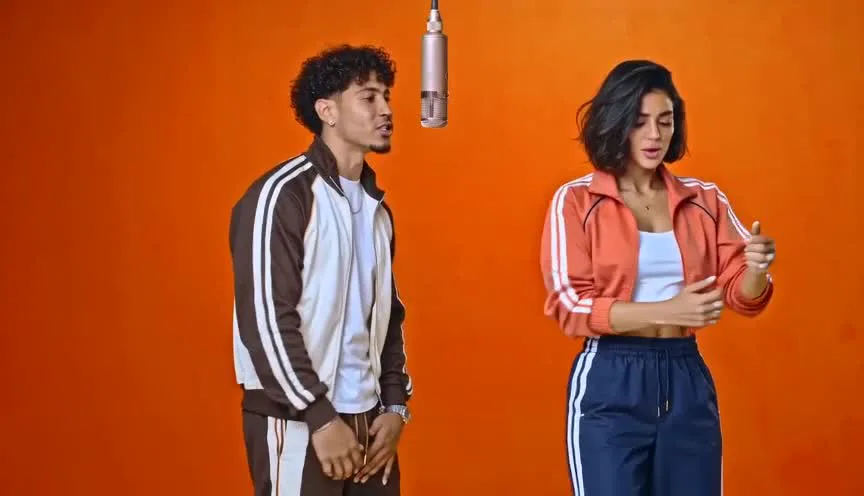 01from 20 cr
Hotel Lobby
Two photos remake the orange-booth performance around a hanging microphone.
- Duo
- 2 photos
- 16:9 · 9:16
- ~15s
AI sample · 480p · 15s · 16:9 · Silent
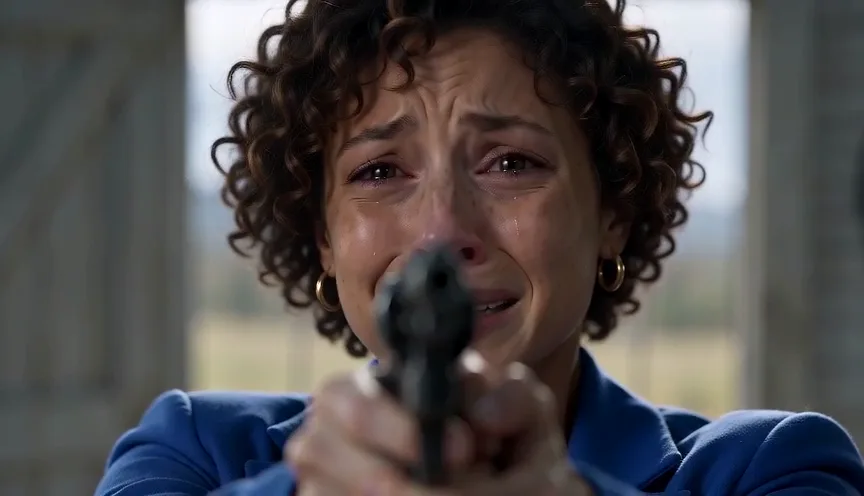 02from 20 cr
AI Zombie Trend
A familiar face in the apocalypse. A hug. A warm memory of you both.
- Duo
- 2 photos
- 16:9 · 9:16
- ~15s
AI sample · 480p · 15s · 16:9 · Silent
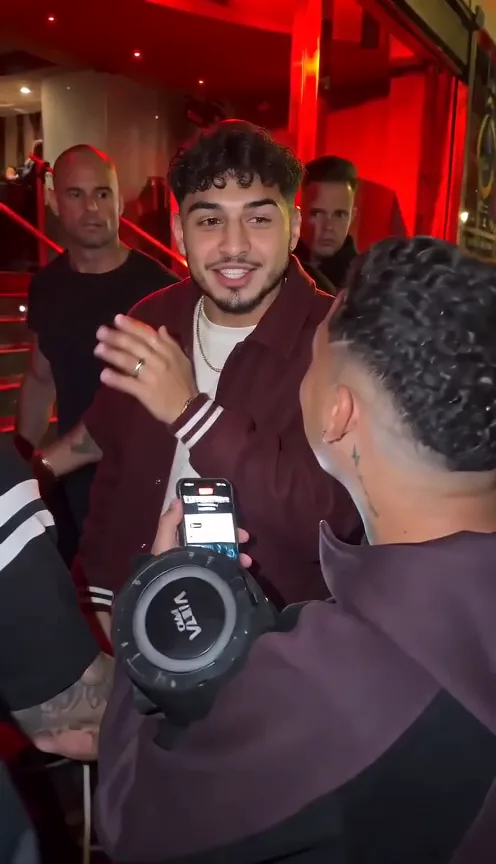 03from 20 cr
Bulin 47
You alone, straight to camera, delivering the hook.
- Solo
- 1 photo
- 16:9 · 9:16
- ~15s
AI sample · 480p · 15s · 9:16 · Silent
 04from 20 cr
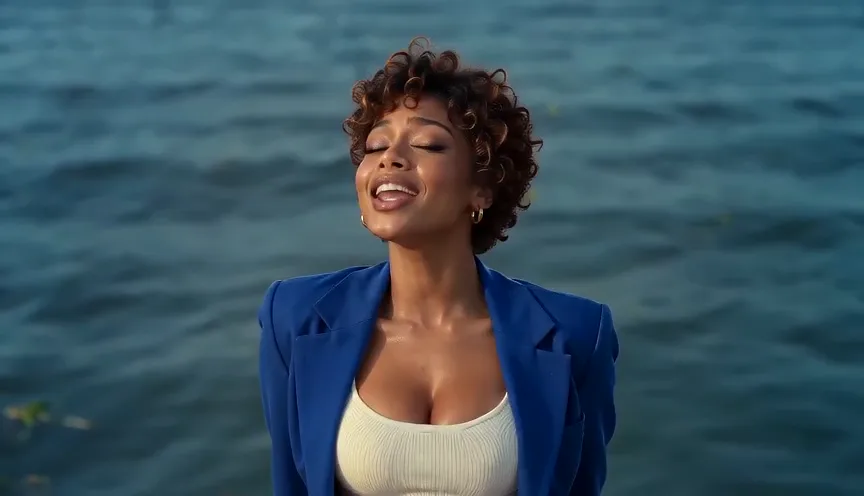
Raindance
A waterfront performance with one lead and one companion.
- Duo
- 2 photos
- 16:9 · 9:16
- ~15s
AI sample · 480p · 15s · 16:9 · Silent
 05from 20 cr
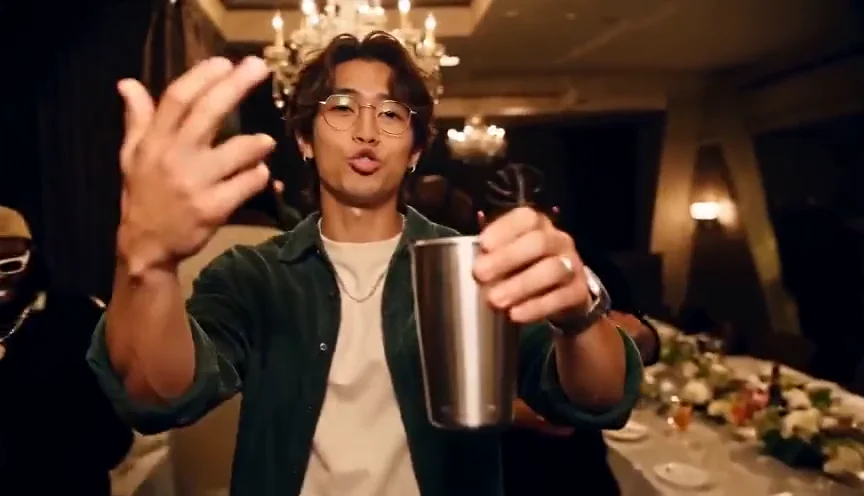
Burning Bridges
A chandelier party with a silver cup raised in the air.
- Solo
- 1 photo
- 16:9 · 9:16
- ~15s
AI sample · 480p · 15s · 16:9 · Silent
 06from 20 cr
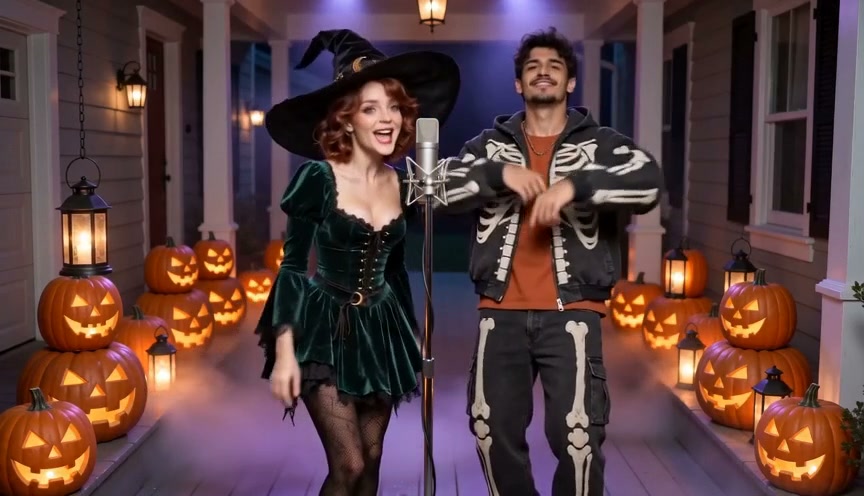
Halloween Rap
You, or you and a friend, on a jack-o'-lantern porch in the fog.
- Solo or duo
- 1-2 photos
- 16:9 · 9:16
- ~15s
 08from 20 cr
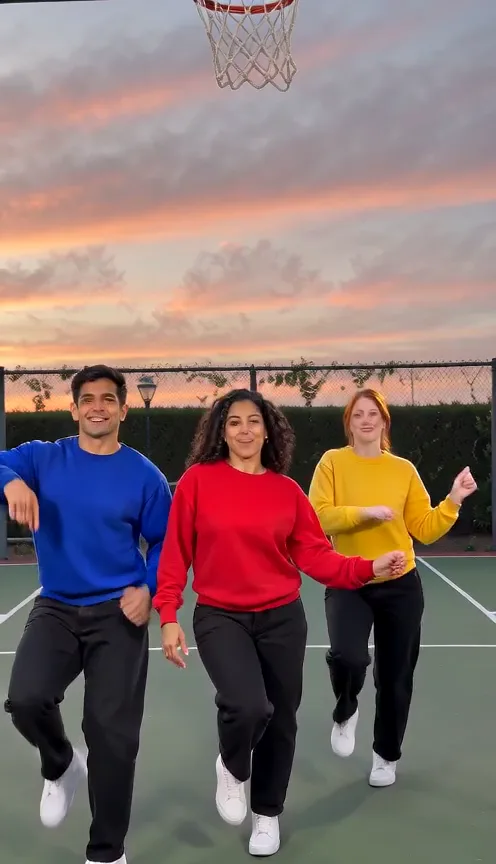
Chipmunks Dance
Upload one to three photos for the courtside trio dance; empty roles use default dancers in a 15-second vertical video with sound.
- Trio
- 1-3 photos
- 9:16
- ~15s
AI sample · 480p · 15s · 9:16 · With sound
Make your own
Your topic, your verse
No trend needed. Bring a face and tell the AI what to rap about.
- a photo or tworequired
- 2A topicoptional
- 3A line about itoptional